How to get started
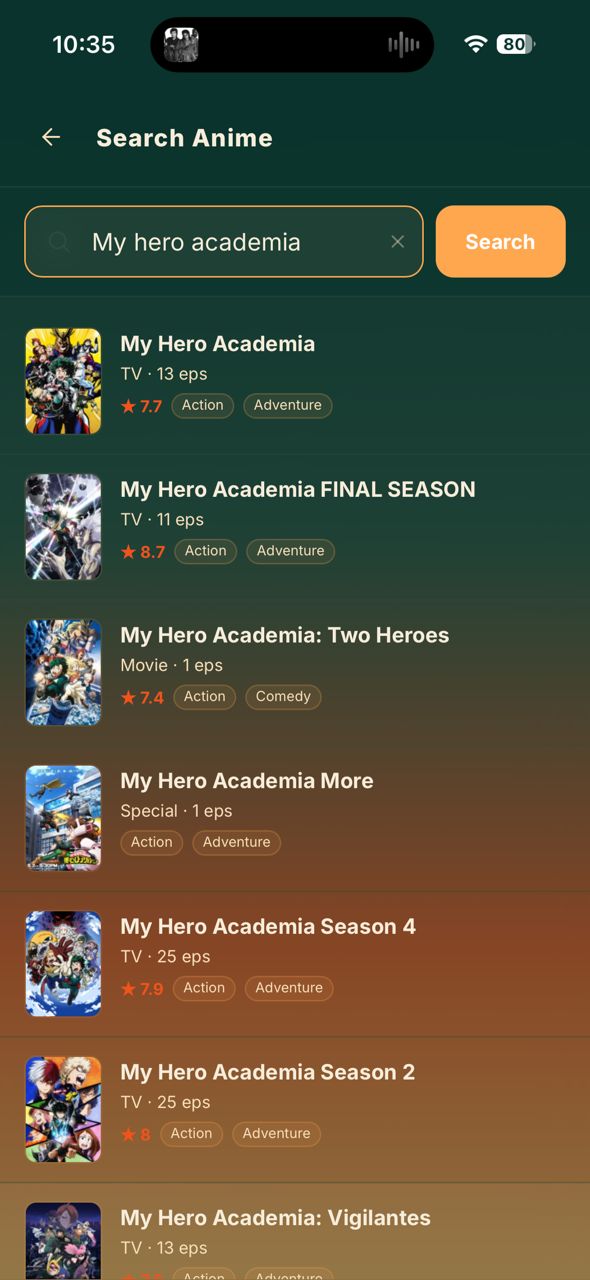
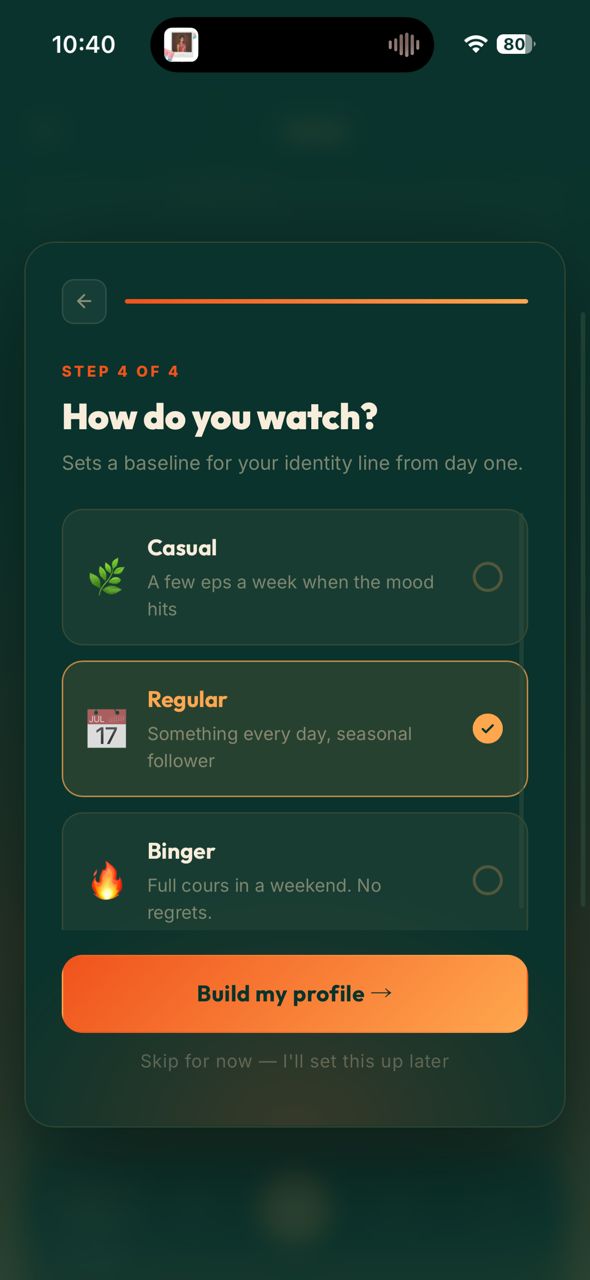
Four steps. Takes about two minutes the first time.
What sets Hibiki apart
It learns your taste.
Then picks your season.
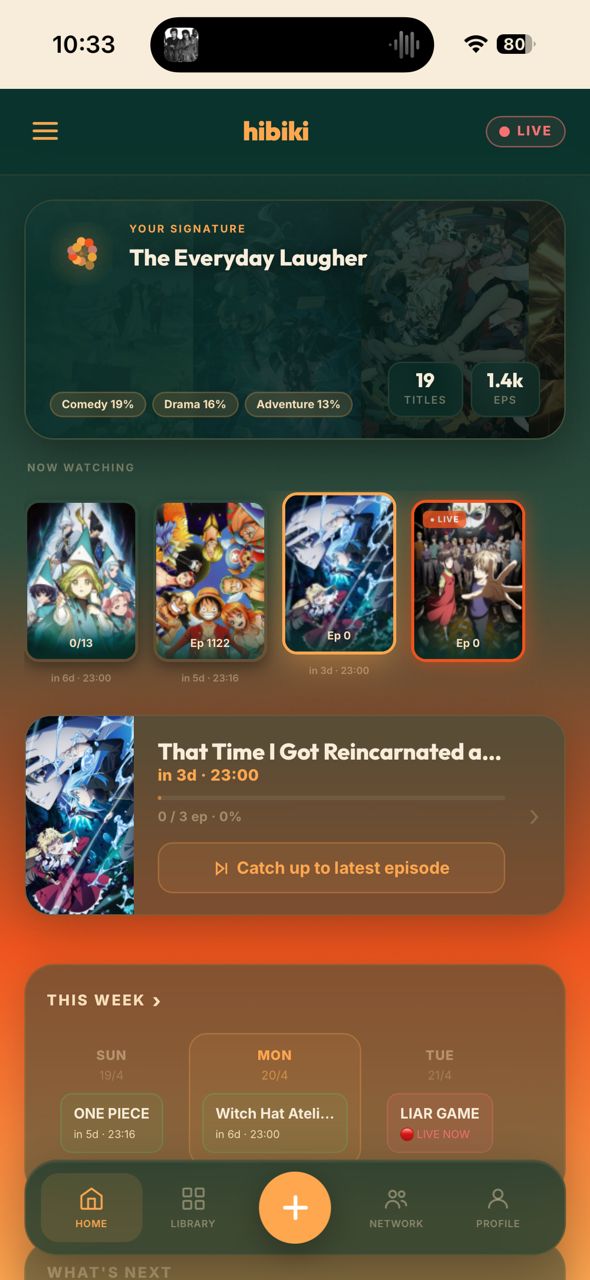
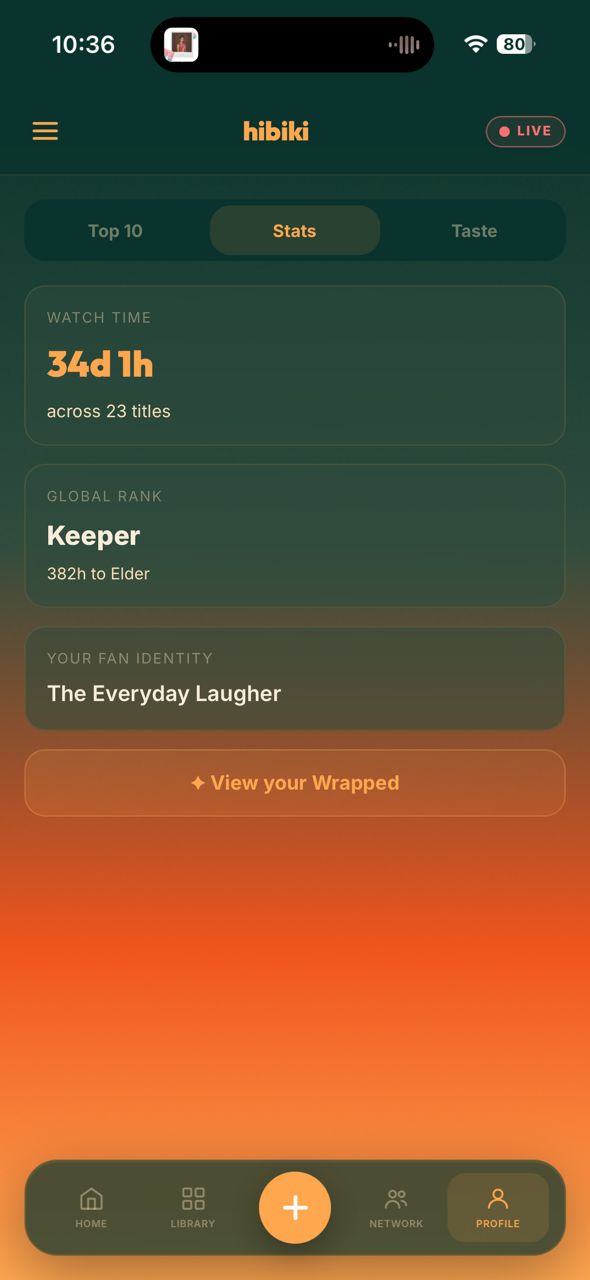
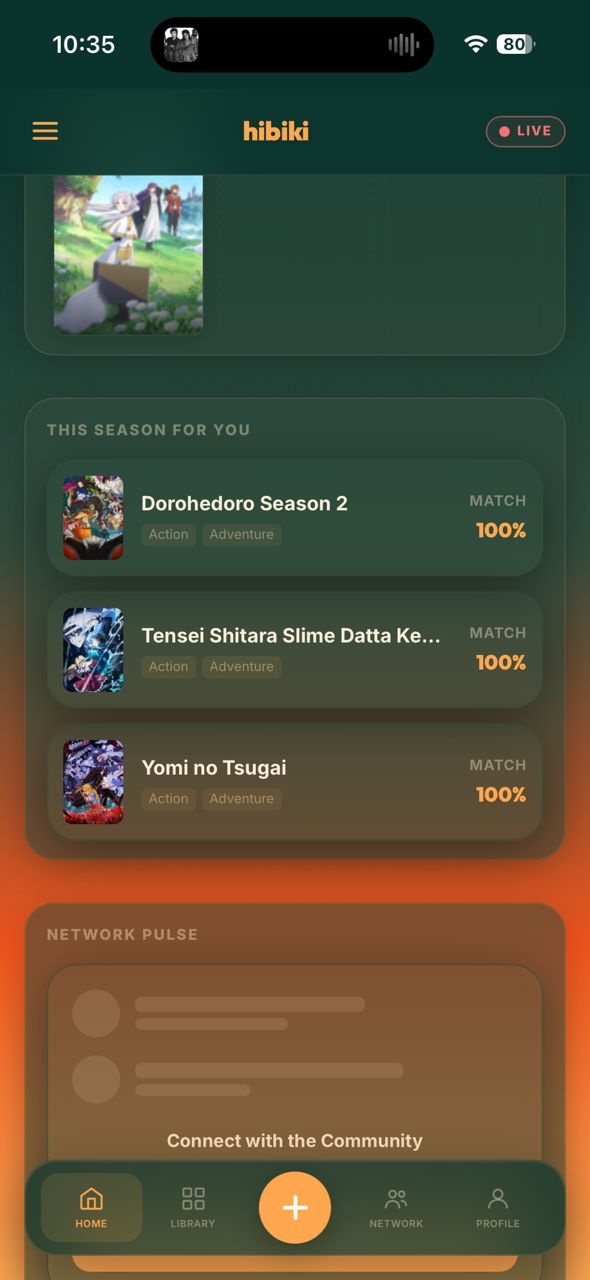
Every show you log — what you rated it, whether you finished it, how you watch — feeds a taste signature that builds quietly in the background. It's not a genre tag; it's a read on what kind of fan you actually are.
Then Hibiki puts it to work. "This Season, For You" scores everything currently airing against your profile — not a popularity chart. The picks are short, specific, and actually yours.
See what your
friends are watching.
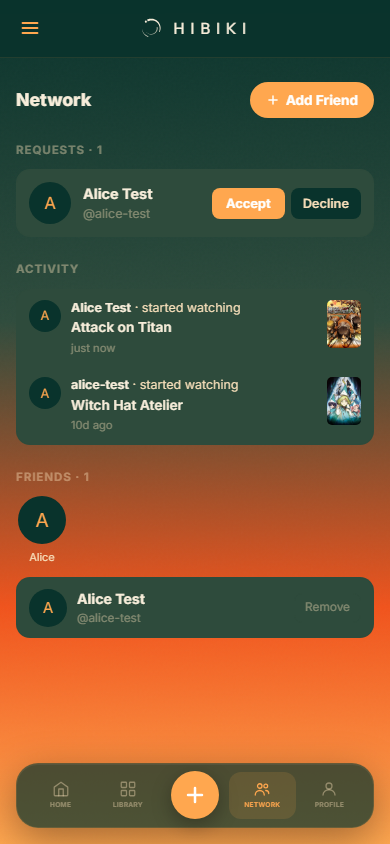
Add friends and their activity flows onto your home screen — what they started, what they finished, what they rated. The moment something happens, it's there.
And their scores show up right inside a show's card, so you know what your people think before you commit two cours of your life to it.
Share cards that
look designed.
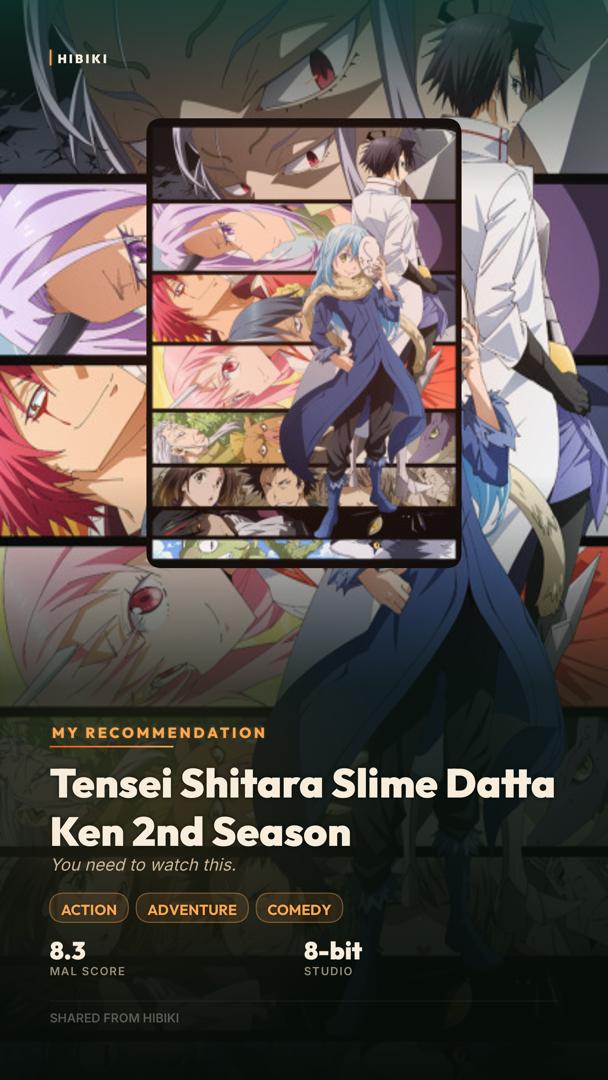
Finish a show, rate something highly, or add an all-time favourite to your Top 10 — Hibiki offers a proper card. Poster art, your rating, your stats, ready for your feed. Not a screenshot.
Long franchises collapse
into one card.
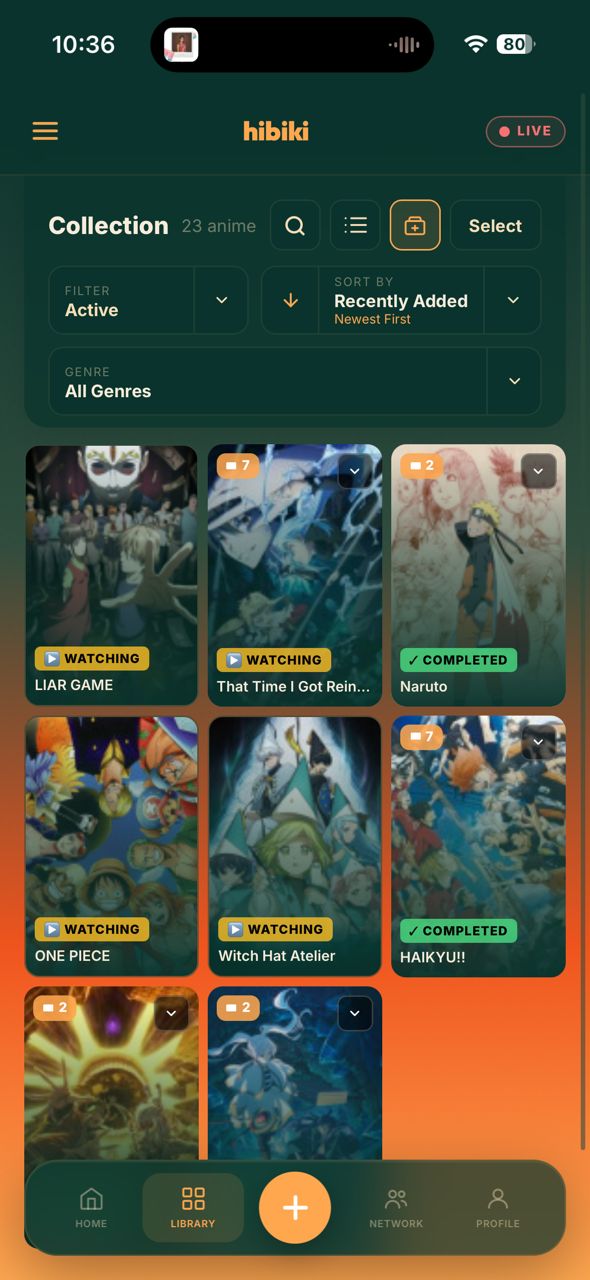
Toggle franchise mode and every season, movie, and OVA stacks into a single card with a count badge showing how deep it goes. Tap to expand and walk the whole chain.
It works out the grouping automatically. You don't tag anything — it just knows what belongs together.
Also worth knowing
Built to look like
it belongs on your phone.
A lot of care went into how Hibiki feels to look at — not just how it works.